Pages

Followers

17 October 2010

iPhone Dev-Team found a way to ‘PWN’ all A4 iDevices


According to MuscleNerd, the iPhone Dev-Team may have found a method to jailbreak (untethered) all future firmware versions for iDevices running on the A4 chip.
This may be good news in this long-running cat & mouse game with Apple. For now,  those intending to jailbreak the current iOS 4.1 firmware, we have Limera1n & Greenpois0n at your service, sir.

16 October 2010

Pro Evolution Soccer 2011 v1.0.0 iPhone iPod Touch-OBTPDA

Football fans will be able to rip the latest installment in the series is considered the best simulation of football in October 2010. Pro Evolution Soccer 2011 has been confirmed during the fair Gamescon 2010, where the Konami booth set a poster which advertises the next Lionel Messi of sports applications for the iPhone. PES 2011 in addition to the standard improvements in gameplay and graphics will also have the opportunity to play local multiplayer via Wi-Fi and Bluetooth. Online multiplayer. In addition, the game will gain by implementing social networking features such platforms as Scoreloop, OpenFeint or Game Center from Apple.


Release name: Pro.Evolution.Soccer.2011.v1.0.0.iPhone.iPod.Touch-OBTPDA
Size: 50.00 MB
Links: NFO

Download Links

or

15 October 2010

iPad 2 to come in White, looks like oversized iPhone 4?

How you wish the above is true.
Well, judging by the trouble some folks go to in creating the above mock-up concept design of the next generation iPad, that might well turn out to be the actual design once Apple unveils it early next year.
Design-wise it resembles an enlarged iPhone 4 with the same metal band around the edges and the same glass exterior. Additions include a front-facing 3-megapixel camera for FaceTime and an SD card slot for removable storage.
There’s also a mini HDMI output suggesting that you could hook up your iPad 2 to an HD Ready TV – FaceTime on a 32-inch plasma anyone?

14 October 2010

How to Jailbreak Your iPhone 3GS, iPhone 4 Using Greenpois0n (Windows)

These are instructions on how to jailbreak your iPhone 3GS and iPhone 4 using Greenpois0n for Windows. Greenpois0n only supports iOS 4.1 firmware. Use Limera1n if you want to jailbreak iOS 4.0, iOS 4.0.1, iOS 4.0.2.

Remember: Do not update to iOS 4.1 if you need the unlock. Ultrasn0w does not support that baseband yet. The only exception is the iPhone 4. You can update to iOS 4.1 without upgrading your baseband by following this tutorial.

Step One
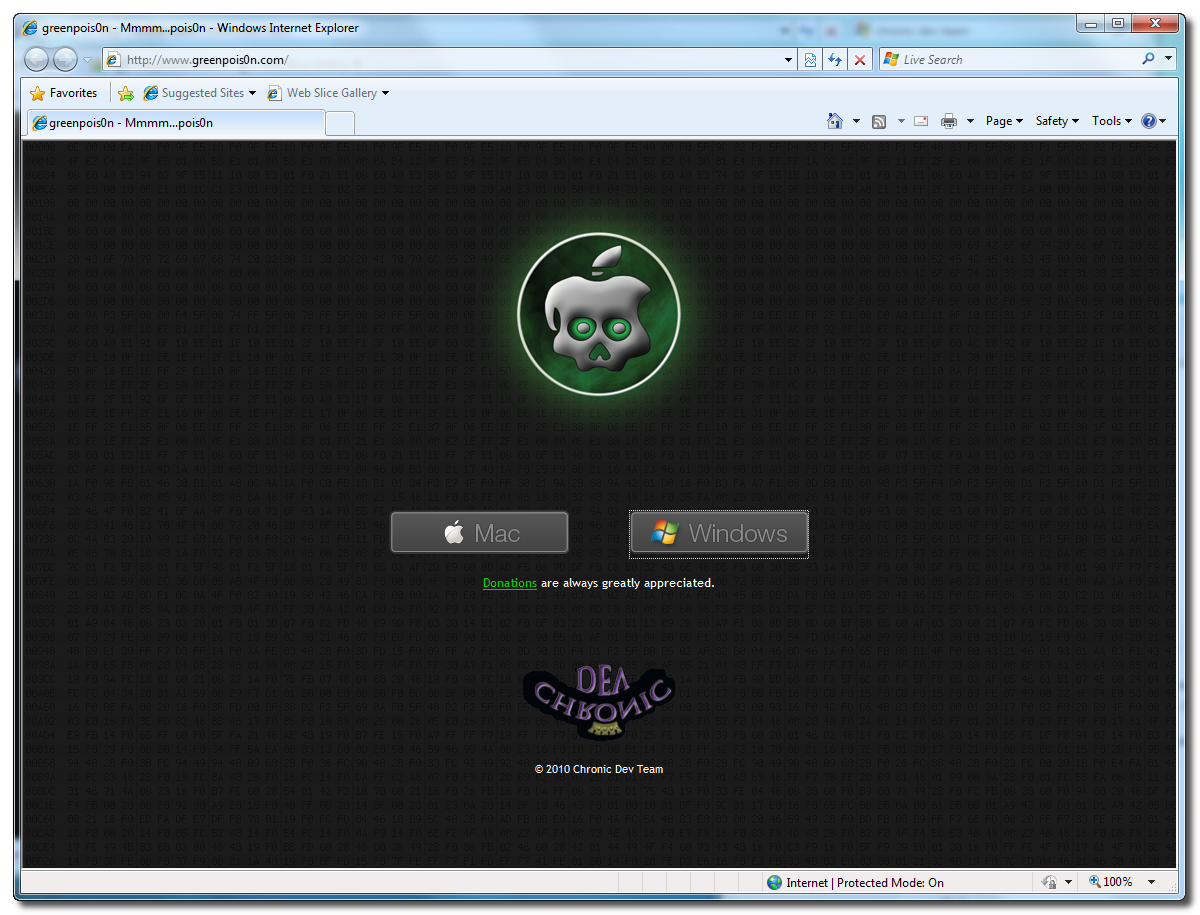
Open your web browser of choice and navigate to http://www.greenpois0n.com. Click the Windows link at the bottom of the screen.


Step Two
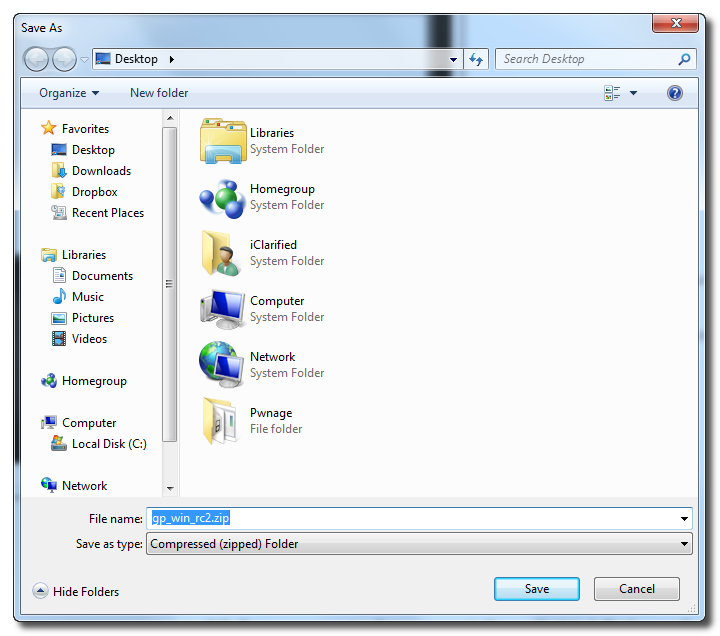
When prompted save the download to your desktop


Step Three
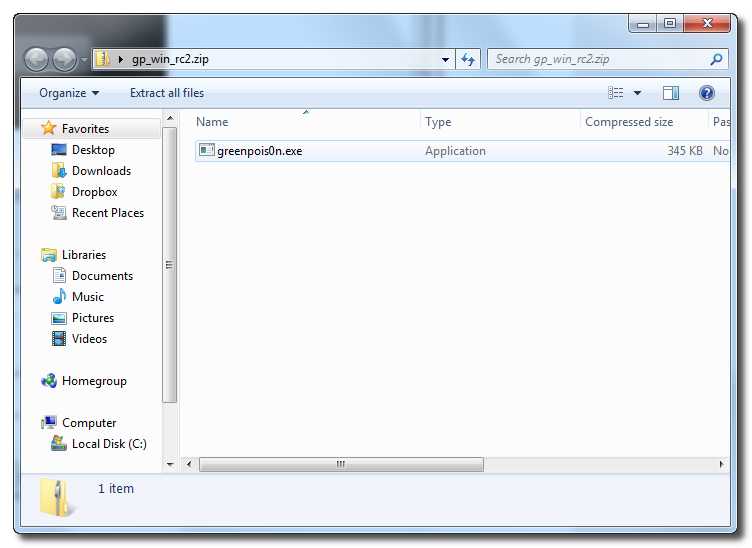
Double click the downloaded gp_win_rc2.zip file then drag the greenpois0n.exe file to the desktop. Double greenpois0n.exe from the desktop to launch the application


Step Four
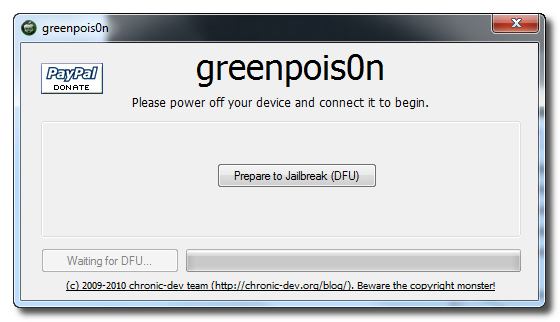
Power off your iPhone then click the large Prepare to Jailbreak (DFU) button


Step Five
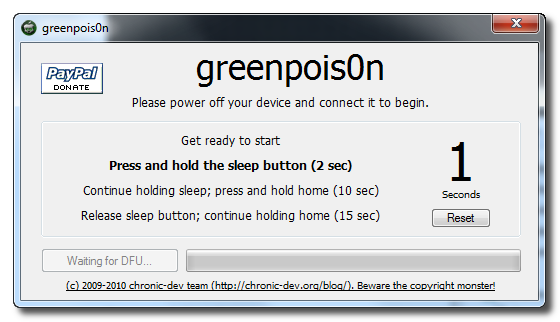
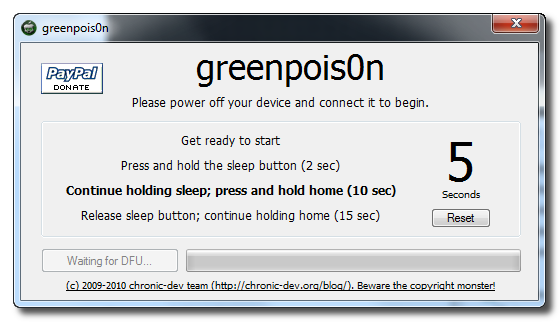
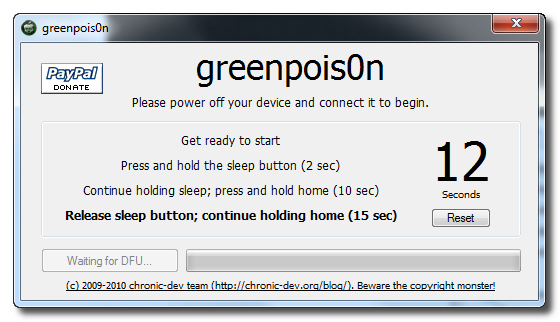
You will now be instructed on how to place your iPhone into DFU mode. You can get help with this here.

You will be asked to press and hold the sleep button for 2 seconds.


Continue holding sleep; press and hold home for 10 seconds.


Release sleep button; continue holding home for 15 seconds.


Step Six
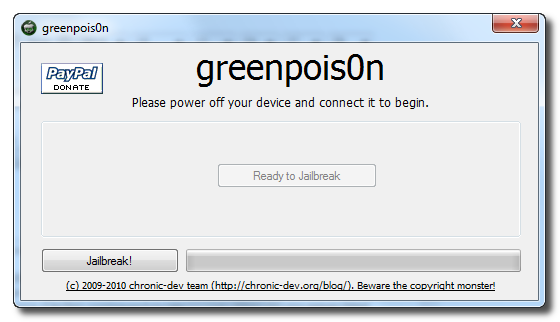
Once your iPhone is successfully in DFU mode you may click the Jailbreak button.


Step Seven
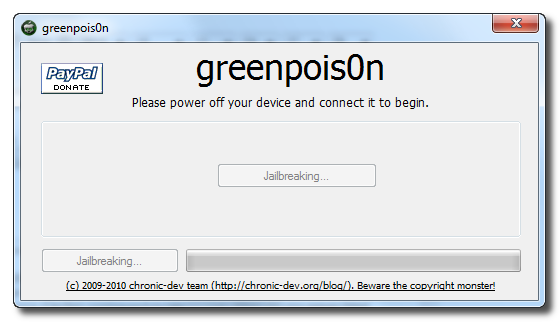
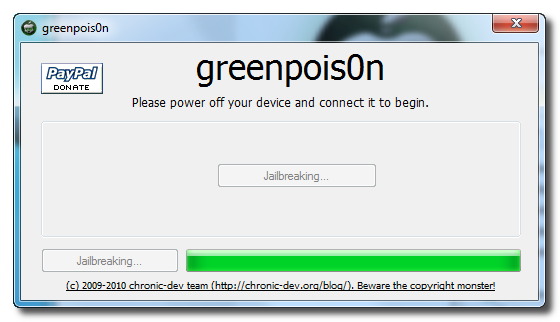
Greenpois0n will now jailbreak your device


Step Eight
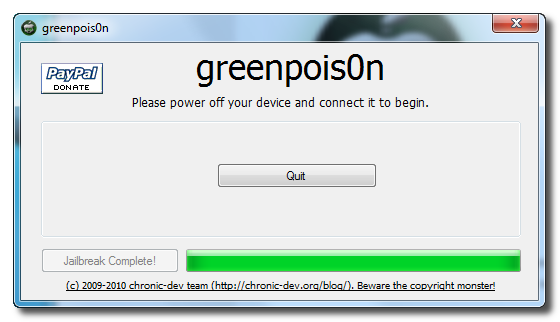
Click the Quit button once the software application has completed.


You'll notice some verbose mode text scrolling on your device.

Step Nine
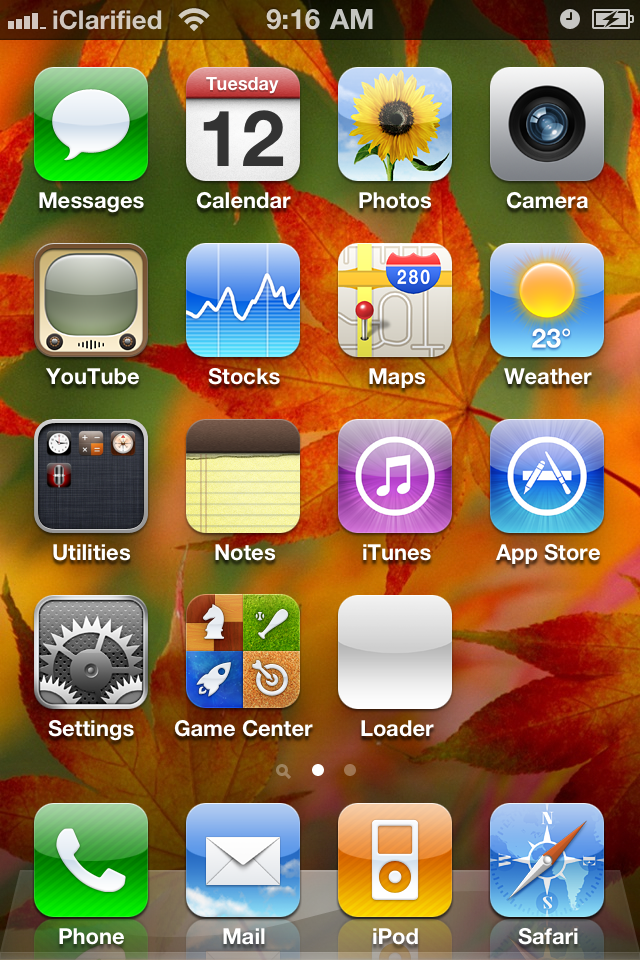
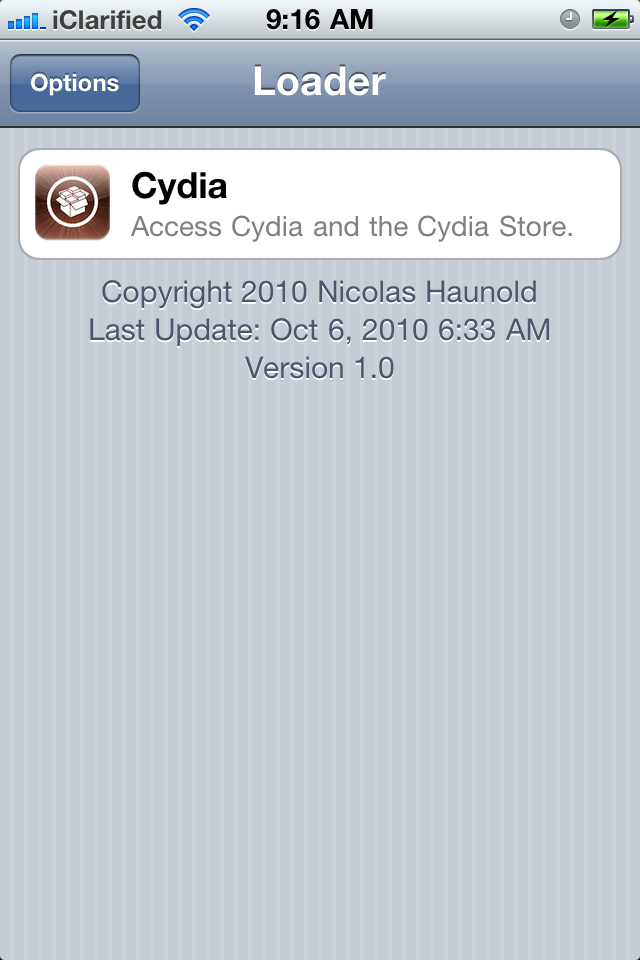
After the iPhone restarts you'll notice a new Loader application on your Springboard. Press to launch it.


Step Ten
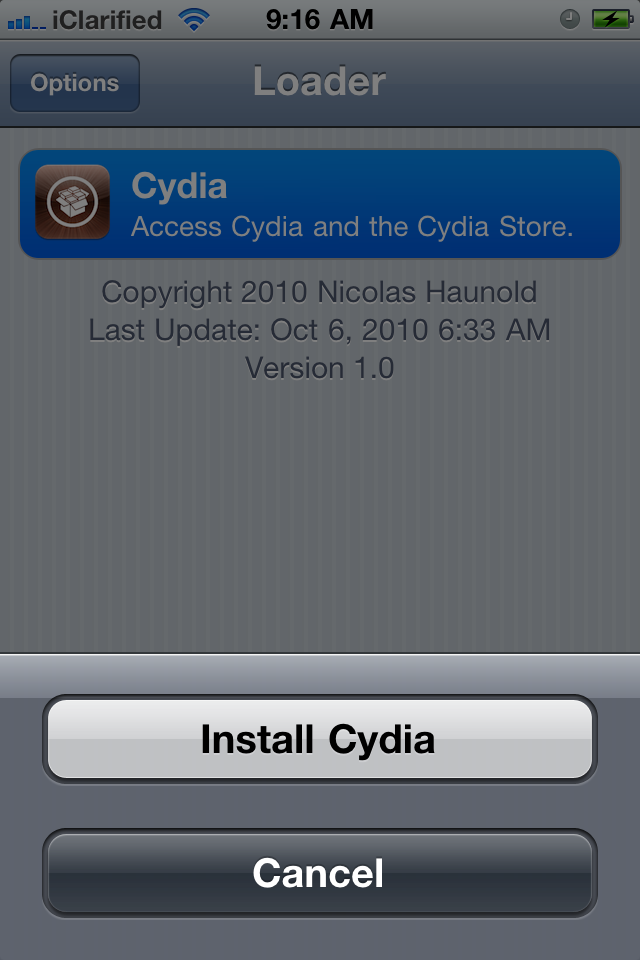
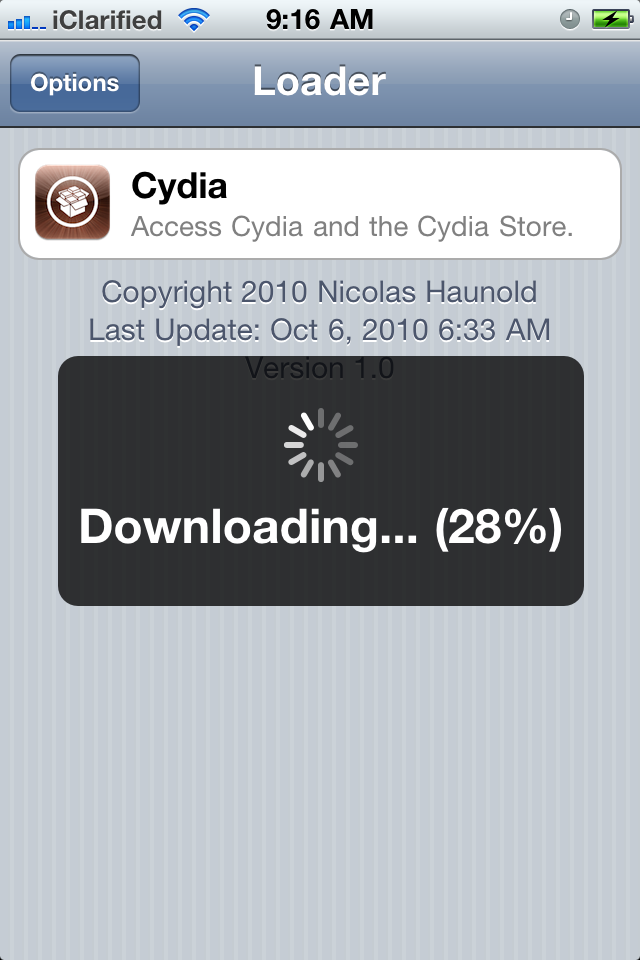
Press to select Cydia then press the large Install Cydia button that appears.


Step Eleven
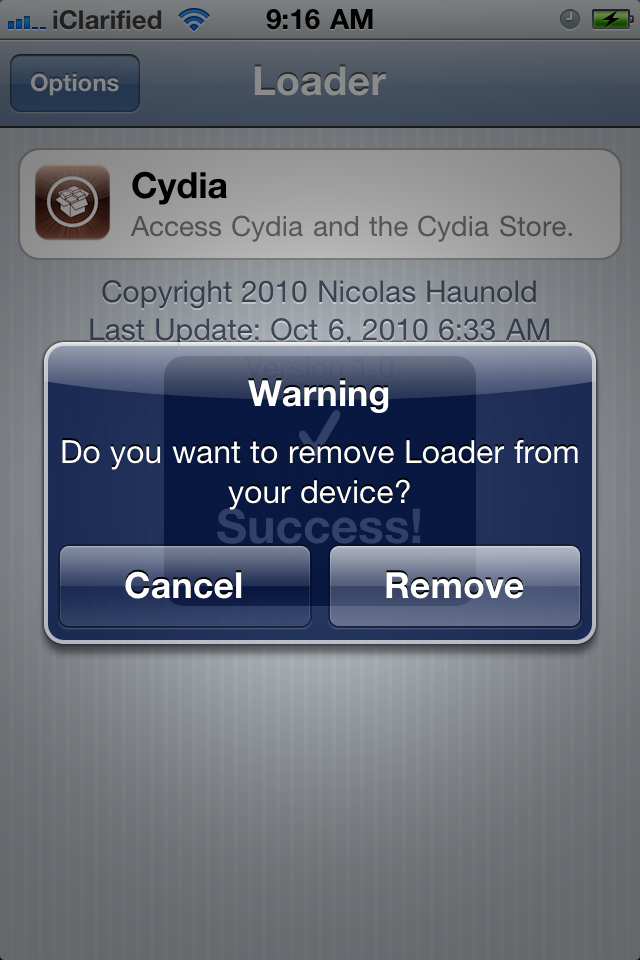
Once Cydia has installed successfully you will be asked if you want to remove Loader from your device. Press the Remove button then press the Home button. Your device will now automatically reboot.


Step Twelve
When your iPhone has restarted you can run Cydia. Let it do all the necessary updates then follow our Unlock tutorial if possible for your device.


***A big thanks goes everyone who made this jailbreak possible.


10 October 2010

How to Jailbreak Your iPhone 3GS, iPhone 4 Using Limera1n (Windows)

These are instructions on how to jailbreak your iPhone 3GS and iPhone 4 using Limera1n for Windows. Limera1n supports iOS 4.0, 4.0.1, 4.0.2, and 4.1.

Remember: Do not update to iOS 4.1 if you need the unlock. Ultrasn0w does not support that baseband yet. The only exception is the iPhone 4. You can update to iOS 4.1 without upgrading your baseband by following this tutorial.

Step One
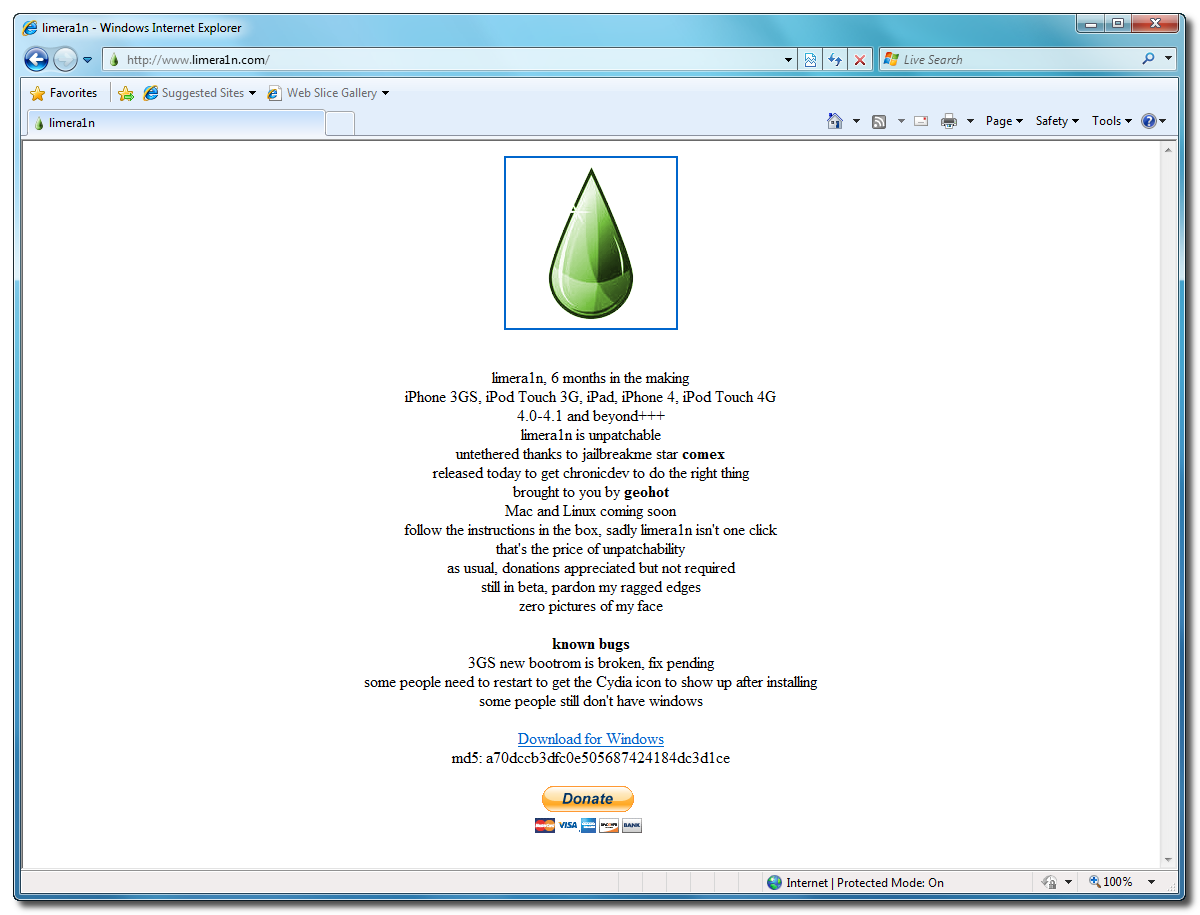
Open your web browser of choice and navigate to http://www.limera1n.com. Click the Download for Windows link at the bottom of the screen.


Step Two
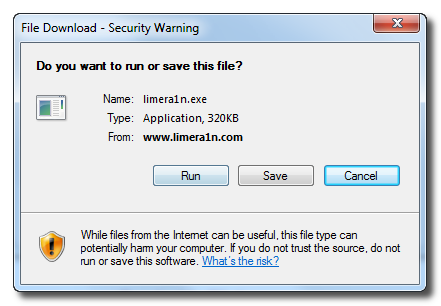
When prompted save the download to your desktop


Step Three
Double click the limera1n.exe file from the desktop to launch the application


Step Four
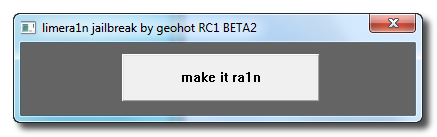
Click the large make it ra1n button


Step Five
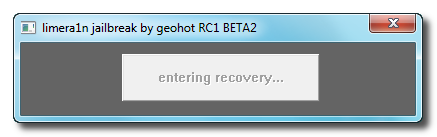
You iPhone will now be placed in recovery mode.

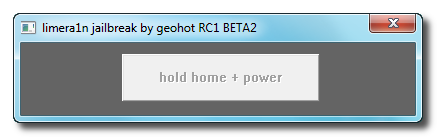
Press both the power and the home buttons.


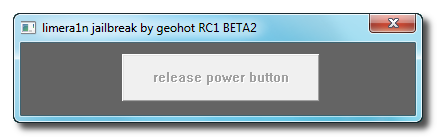
When Limera1n asks you to, release the power button.


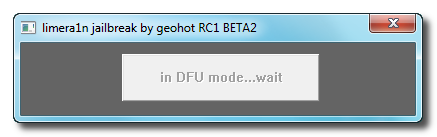
Your phone will now be in DFU mode


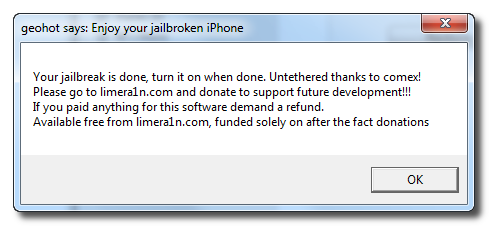
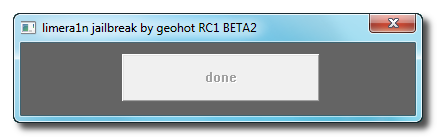
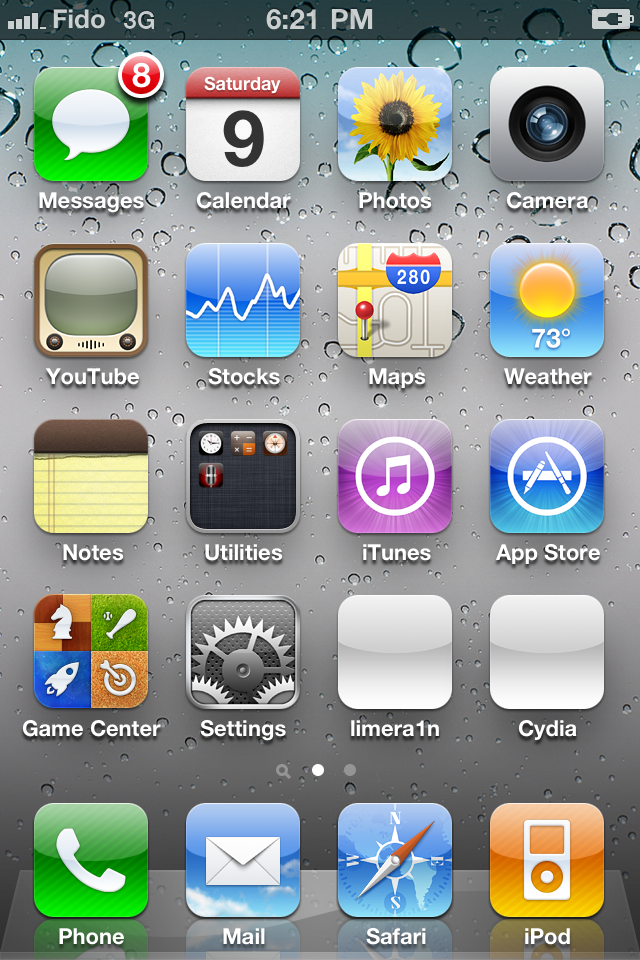
As limera1n performs its exploit you will see the image of a lime raindrop on your iPhone.


Limera1n will let you know when it is complete.


Step Six
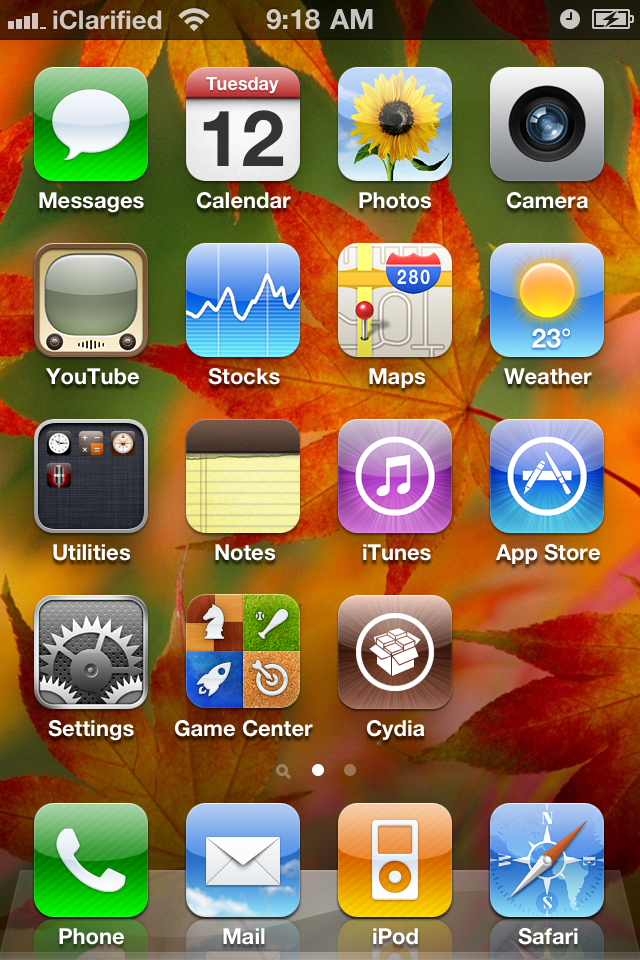
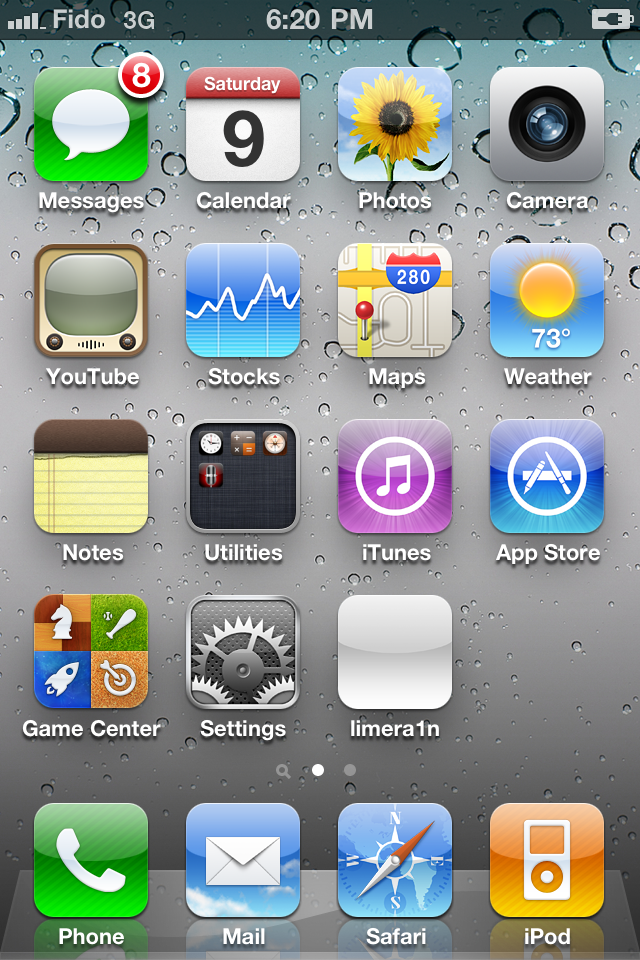
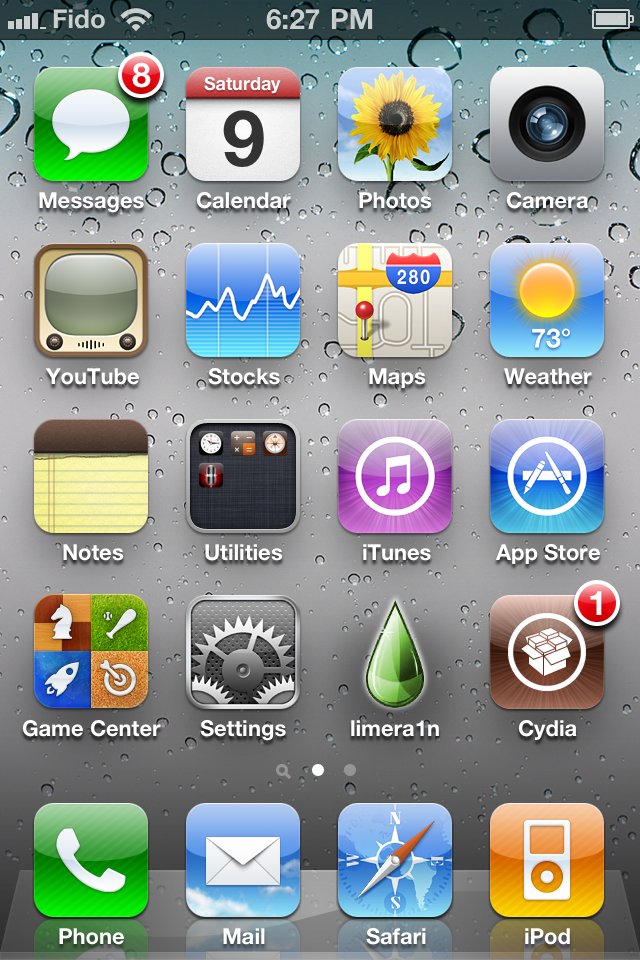
After you power back on your iPhone you will see a new icon on the SpringBoard entitled limera1n. Press it to continue.


Step Seven
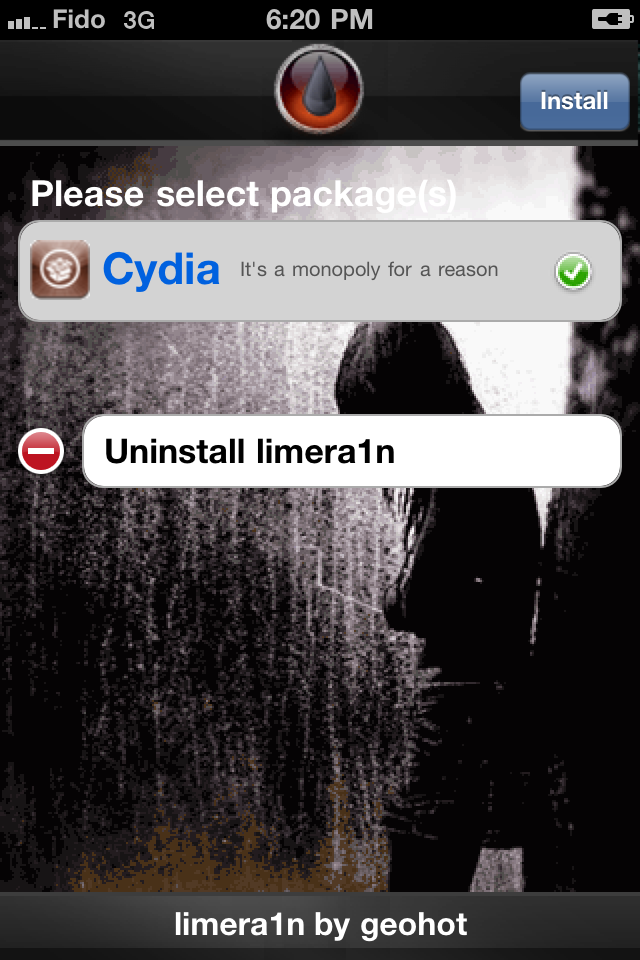
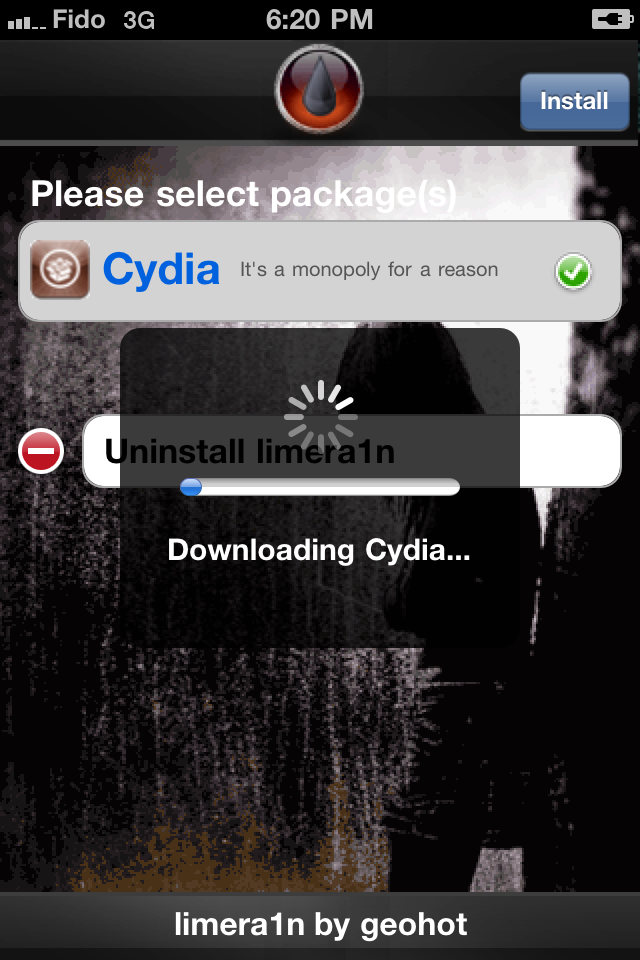
Once Limera1n opens select Cydia then press the Install button at the top right of the screen.


Step Eight
Once the Cydia installation has completed you must reboot your iPhone.


Step Nine
When your iPhone has restarted you can run Cydia. Let it do all the necessary updates then follow our Unlock tutorial if possible for your device.


NOTE*: To remove the limera1n icon from your desktop you can install CyDelete from Cydia then use it to delete the application. Eventually this capability should be present in limera1n itself.

***A big thanks goes everyone who made this jailbreak possible.

09 October 2010

A New userland Jailbreak For iphone 3G With Bootroom To Drop After ios 4.2 has Just Released

Yesterday We Told You About The a New jailbreaking Tool That Will use the SHAtter exploit  But This Tool Only  work on devices with an A4 chip So it only


@Veeence  Said :


 " A usrland jailbreak for the 3GS (New Bootrom ) Will Be Released after the Release of iOS 4.2 Not Earlier

Works on Apple TV 2G,  ipod Touch 4 And iphone 4  userland jailbreak for iPhone 3Gs ( new bootrom ) will be released, but only after Apple will drop iOS 4.2 At The Next Month And The Tool is Going To Be similar To Spirit

If you have an iPhone 3Gs with old bootrom, you can jailbreak it using sn0wbreeze ( Windows ) , or unofficial PwnageTool bundle ( Mac ) .

So We Are Going To Keep You on Any new updates

Geohot is Coming Back to Jailbreak Scence With Limera1n to Jailbreak All iOS 4.1 Devices Forever

 Yes, that's true! Geohot will make a full return back with new bootrom exploit and tool to pwn all current iOS devices on iOS 4.1 for life. Geohot has been out for months since his last blog post but his return will surely please everyone specially the 3rd-generation iPhone and iPod touch users. The jailbreak will supposedly called LimeRa1n and would be released on 10/11/10, just a day after the GreenPois0n scheduled release date.

The news has been confirmed by members of iPhone dev team and Chronice Dev Team on Twitter. They have confirmed that George Hotz will back with his new tool Limera1n but they are not happy with it as they want him to save this new exploit for the future next-gen iPad 2 and iPhone 5 devices.
MuscleNerd: As dramatic as geohot's last-minute all-device JB is, still a shame that two bootrom holes will be burned at once.

p0sixninja: yes, the news about geohot is true, the day after we release ETA he decides he wants a piece of the #pie

p0sixninja: and yes it is a different bootrom exploit, he wants us to use it in GP, but there’s no way we’ll make our ETA if we do

chronicdevteam: Note greenpois0n will be released as planned. if someone decides to burn a different perfectly good exploit, that is entirely on them.

chronicdevteam: It is actually him.

chronicdevteam: because his different exploit can be saved for new iphone / ipad / ipod, AND 3G S, you’d just have to wait a little longer
The ETA of Limera1n is exactly one year after one year after blackra1n was released to jailbreak iOS 3.2.1. StealthBravo confirms that too:
The significance of 10/11/10 is that its the one year anniversary of blackra1n’s release. 10/11/10 is the targeted release of limera1n
So, what do you think guys? Should Geohot really saves this new bootrom exploit for iPad 2 and iPhone 5 or should he just go on and release his tool as there's another userland exploit on it's way?

08 October 2010

GreenPois0n Jailbreak Coming Out 10/10/2010 at 10:10am

 We have just received the confirm right now! GreenPois0n jailbreak for iOS 4.1 rolling out for all users on 10/10/2010 at 10:10 AM. Yes, on next Saturday, GreenPois0n will be released to make all users happy. So stay tuned for that big jailbreak event.


Hacker p0sixninja, Chornic Dev Team's member has tweeted:
Things have progressed to the point where we don't expect anymore roadblocks. ETA for greenpois0n is 10/10/10 at 10:10:10AM
Of course, we will keep you informed, we will post full how to guides and download links when the tool is released.

7-inch iPad with Retina Display & 128GB onboard?

According to Brian White of Ticonderoga Securities, he believes that Apple will launch a 7-inch iPad with Retina Display & 128GB of onboard storage memory next year.
Brian stated that suppliers contacted during a trip to Taipei indicated that Apple plans to launch a new iPad in the first quarter of the 2011 calendar year. In addition to having a smaller 7-inch size, he also said the device will have a “micro or mini USB” port.

07 October 2010

Sonic The Hedgehog 4 Episode I v1.0.0 iPhone iPod Touch-OBTPDA


Obtpda released Sonic The Hedgehog 4 Episode I which is a 2010 episodic platform video game and a part of the Sonic the Hedgehog series for iOS, PlayStation Network, WiiWare, and Xbox Live Arcade. Enjoy playing new Sonic game. ;)

Description:
The sequel fans have waited 16 years for is finally here – Sonic The Hedgehog 4 Episode I Featuring enhanced gameplay elements, including the classic Sonic Spin Dash, and the versatile Homing Attack, Sonic 4 picks up right where Sonic and Knuckles left off. The iOS version of the game can be controlled with either the accelerometers, or a virtual d-pad. There will also be two additional levels that make use of the device’s accelerometers. Episode 1 has four main zones; Splash Hill, Lost Labyrinth, Casino Street and Mad Gear. Each zone contains three acts followed by a boss battle, which are similar to boss battles from older Sonic games, but with variations added. Levels can either be accessed via a world map, or played continuously one after the other.
Features:
  • 2 EXCLUSIVE LEVELS: Two exclusive levels build specifically for the iPhone & iPod touch using the accelerometer.
  • NEW MOVES: All of Sonic’s classic moves are available, including the newer Homing Attack which will add a new level of control and excitement.
  • CLASSIC SONIC STAGES: Race through 4 unique zones containing 4 acts each as well as 7 special stages.
  • SPECIAL STAGES RETURN: A staple of the Genesis-era games, the special stages return allowing fans to collect the 7 Chaos Emeralds and unlock Super Sonic.
  • REVAMPED CLASSIC BOSS BATTLES: Dr. Eggman returns with new and improved mechas and will go berserk when he accumulates damage.
Release name: Sonic.The.Hedgehog.4.Episode.I.v1.0.0.iPhone.iPod.Touch-OBTPDA
Size: 86.19 mb
Links: Homepage, Nfo

Download Links

or